01
Plan setup
Bring in the plan you already trust.
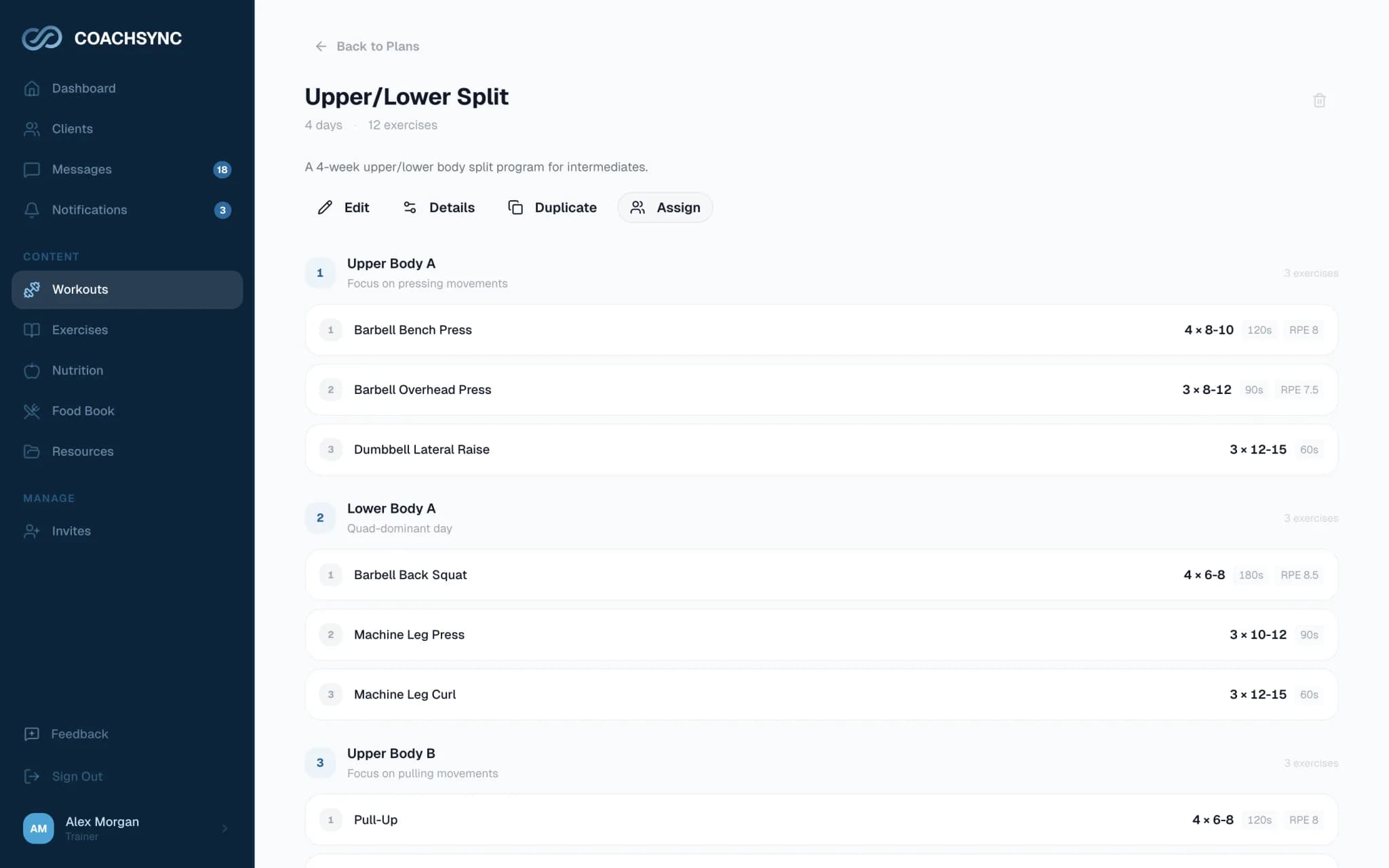
Upload a PDF, image, CSV, or text file. Review every exercise in the editor, then assign the week without rebuilding it from scratch.
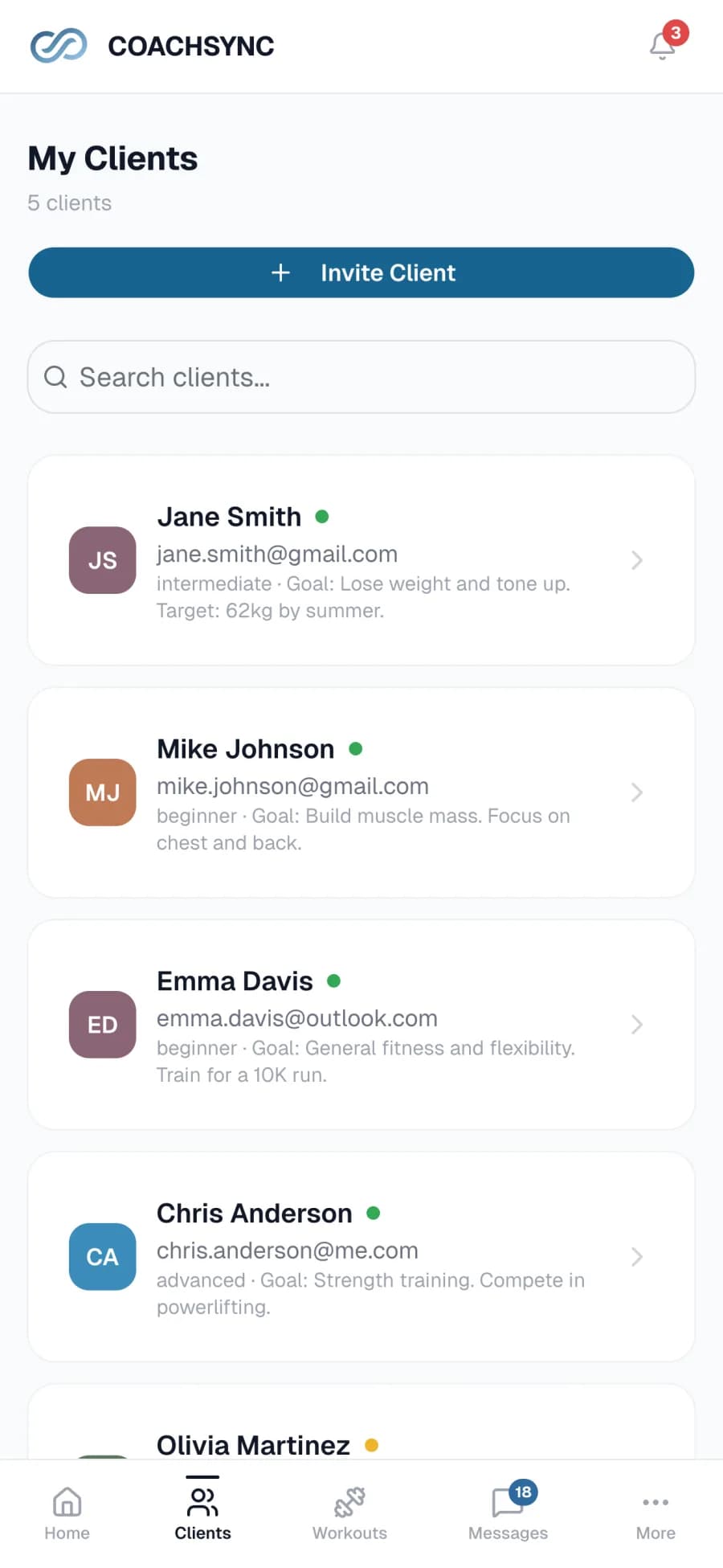
Import your existing plans, invite clients, and track every workout and progress update in one place.
One client, four moments
Start small. CoachSync connects the work you already do instead of asking you to rebuild your business.
Plan setup
Upload a PDF, image, CSV, or text file. Review every exercise in the editor, then assign the week without rebuilding it from scratch.
Client access
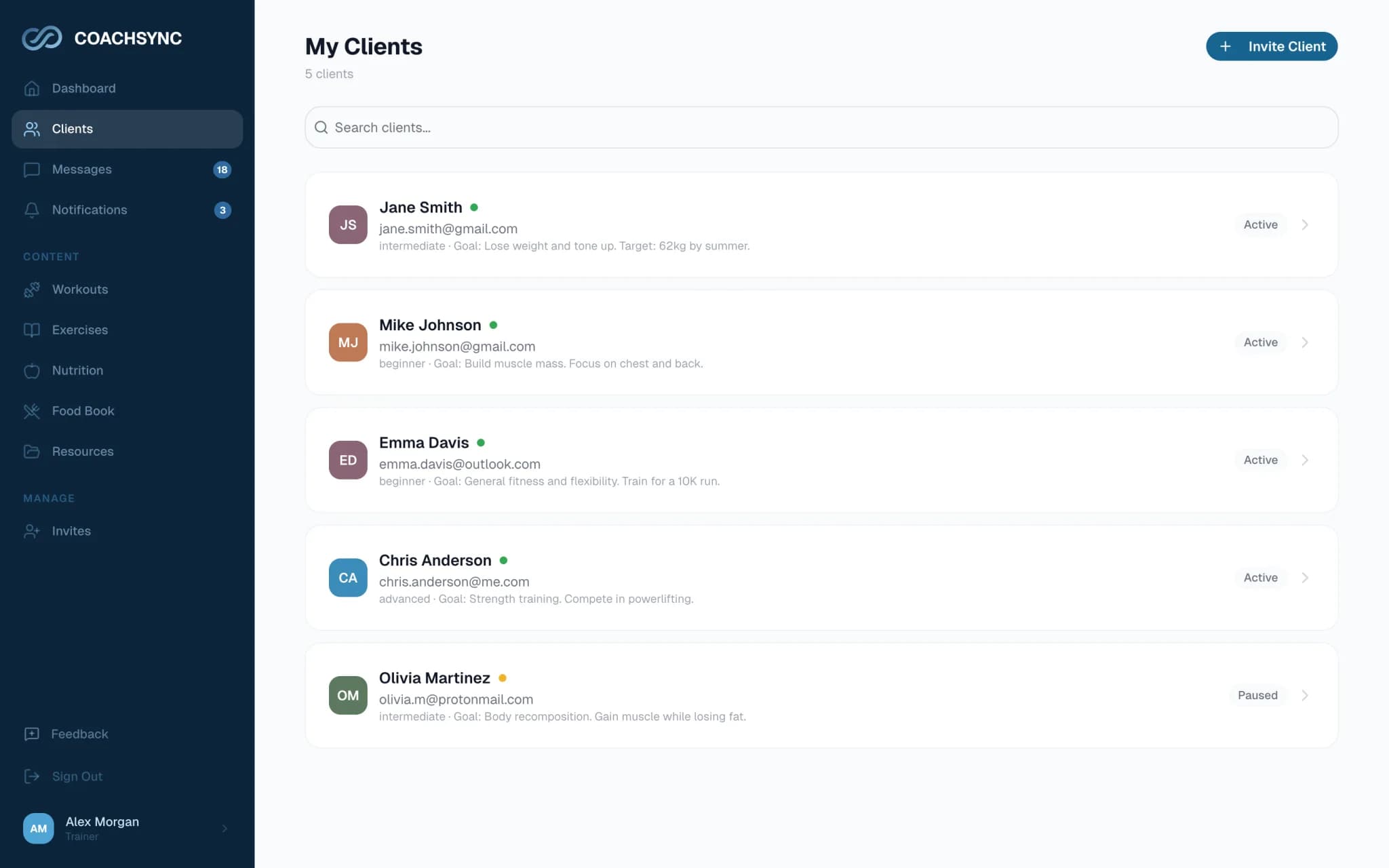
Send an email invitation. Your client accepts it once, then returns through secure email links without another password to remember.
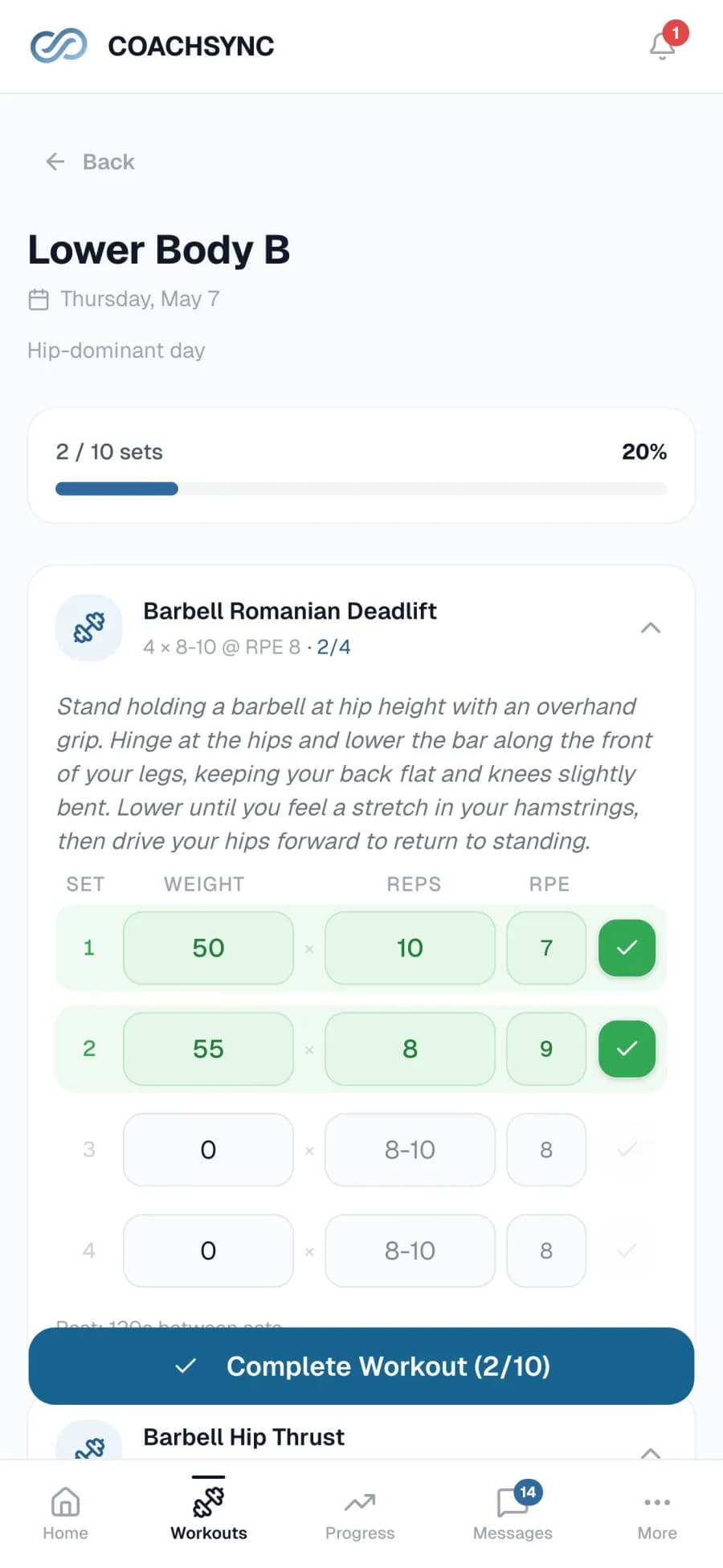
Training
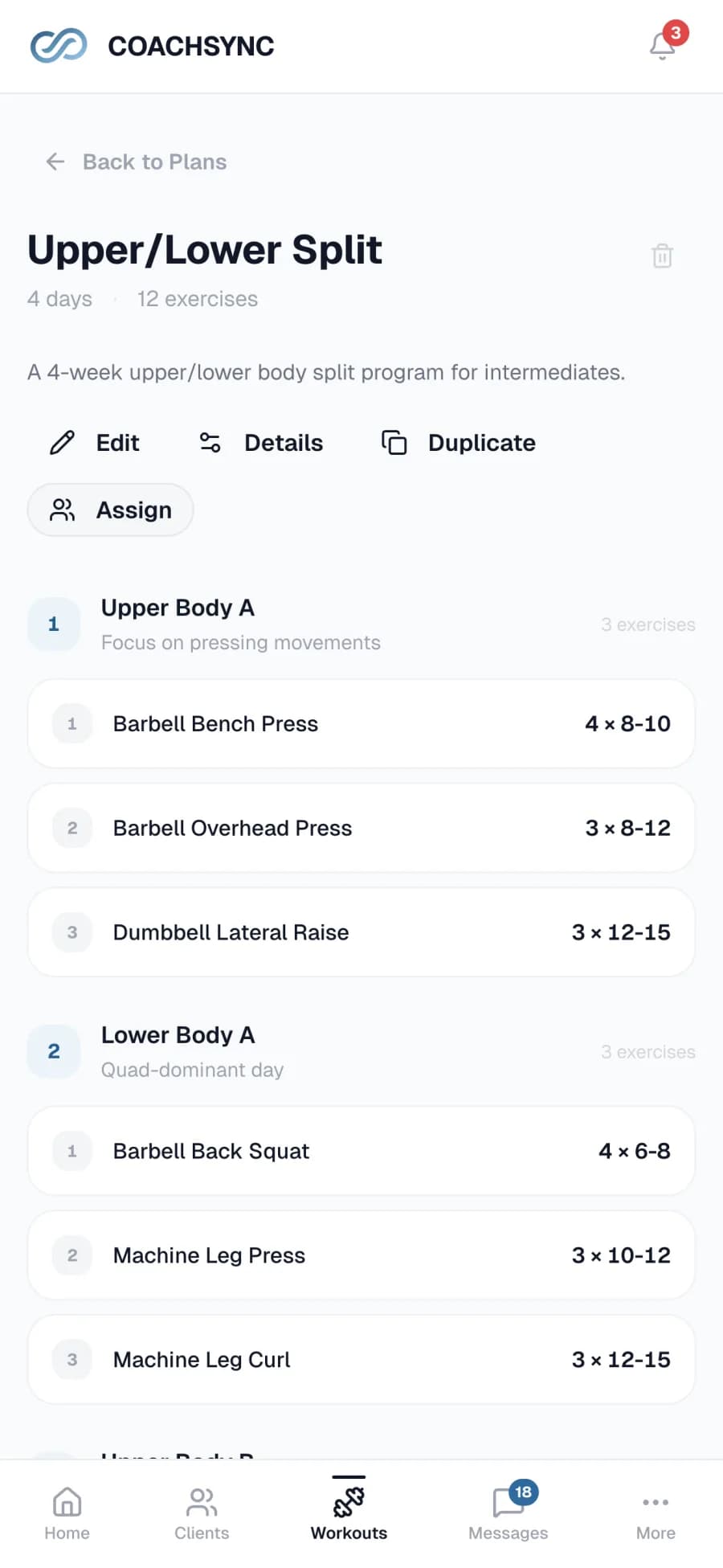
Sets, reps, weight, and RPE stay on one mobile screen. Your logo, business name, and accent color keep the experience recognizably yours.
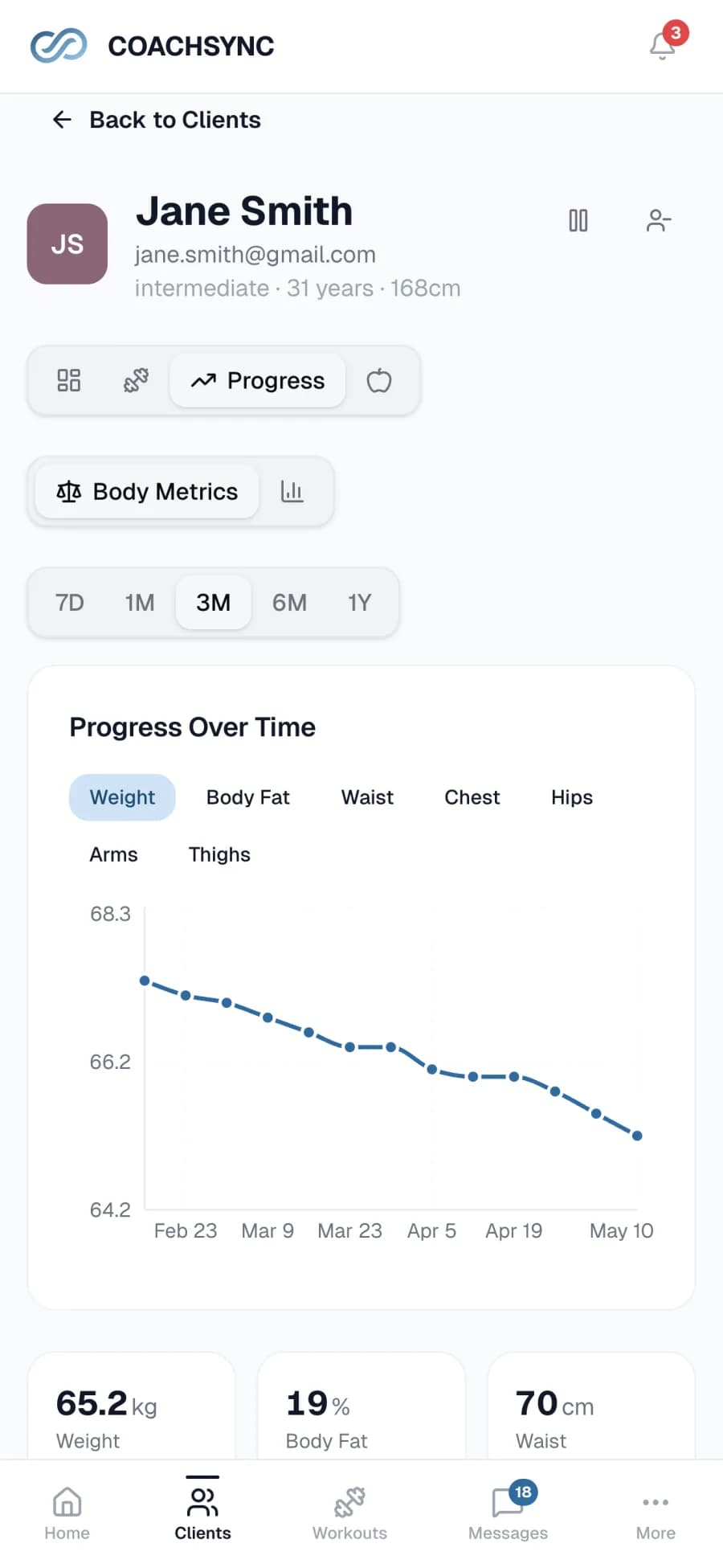
Progress review
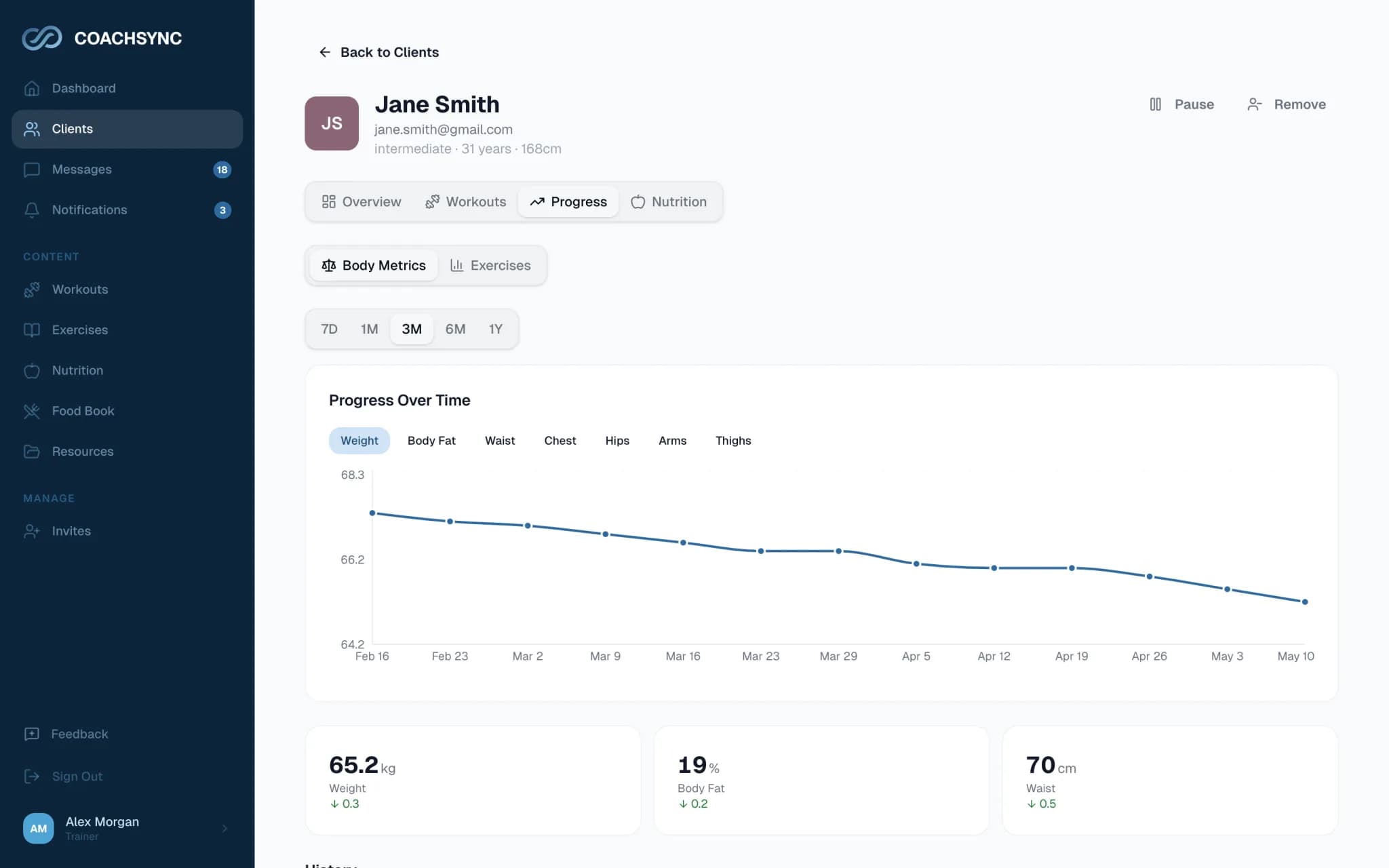
Review completed workouts, measurements, exercise history, and progress photos together. Move one session when life changes without rebuilding the plan.
Switch one client first
Yes. Import workout or nutrition plans from PDF, image, CSV, or text files. Review and edit the result before anything is saved.
No. They accept your invitation through a secure link and use email sign-in links when they return.
Client data is limited to the client and their linked trainer. Uploaded files are private, links expire, and data is encrypted in transit.
Yes. Everyone who creates an account during early access keeps CoachSync free forever. No card is required.
Import an existing plan, send one invitation, and run the next training week in CoachSync.